4 anniversary counter apps for iPhone
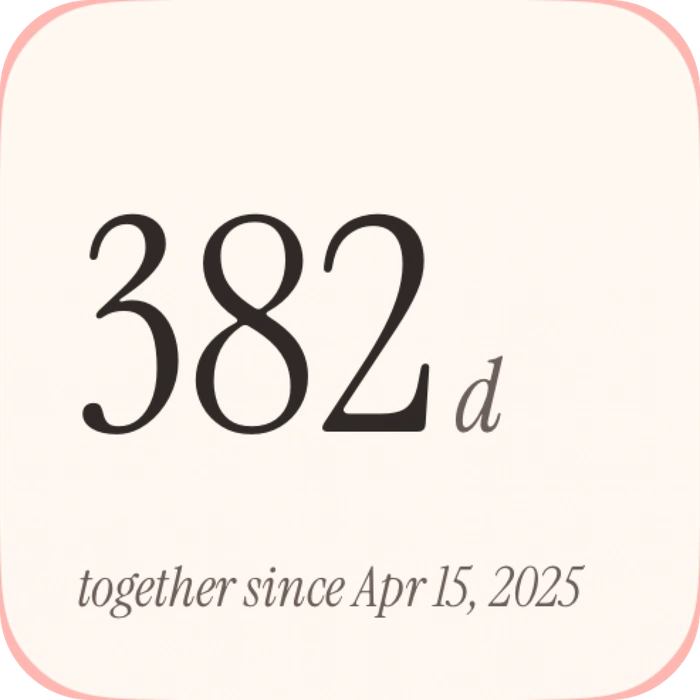
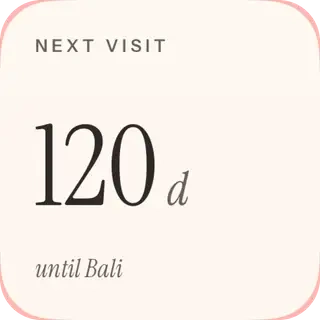
An anniversary counter answers “how long have we been together?” A visit countdown answers “how soon will we see each other?” They sound similar, but they are different dates with different jobs. Start by deciding which one you want on your phone.
In this guide
Closer combines an anniversary counter and a shared visit countdown with other couple widgets. My Love is a focused relationship counter whose Home Screen widget is listed under Pro. Been Together emphasizes dates and milestones, while Couple Widget adds diary and calendar features.
At a glance.
Count up, count down, or keep more of your story.
Swipe to compare all columns
| App | A good fit for | Check before choosing |
|---|---|---|
 Closer | An anniversary and a next-visit countdown | Home Screen widgets are free with five partner-facing updates per person per UTC day. Pro adds unlimited updates, Lock Screen widgets and optional 30-day history. One active Pro purchase covers both linked partners. |
 My Love | A straightforward days-together display | If a widget is your main requirement, check the Pro purchase before choosing it. |
 Been Together | Milestones and meaningful dates | Confirm the exact widget options in the app; its listing does not establish every widget format or free-tier boundary. |
 Couple Widget | A date counter with a shared diary | Check whether the particular theme, sharing option or widget you want is included in the current tier. |
The shortlist.
Start with the routine you want to share.
Closer
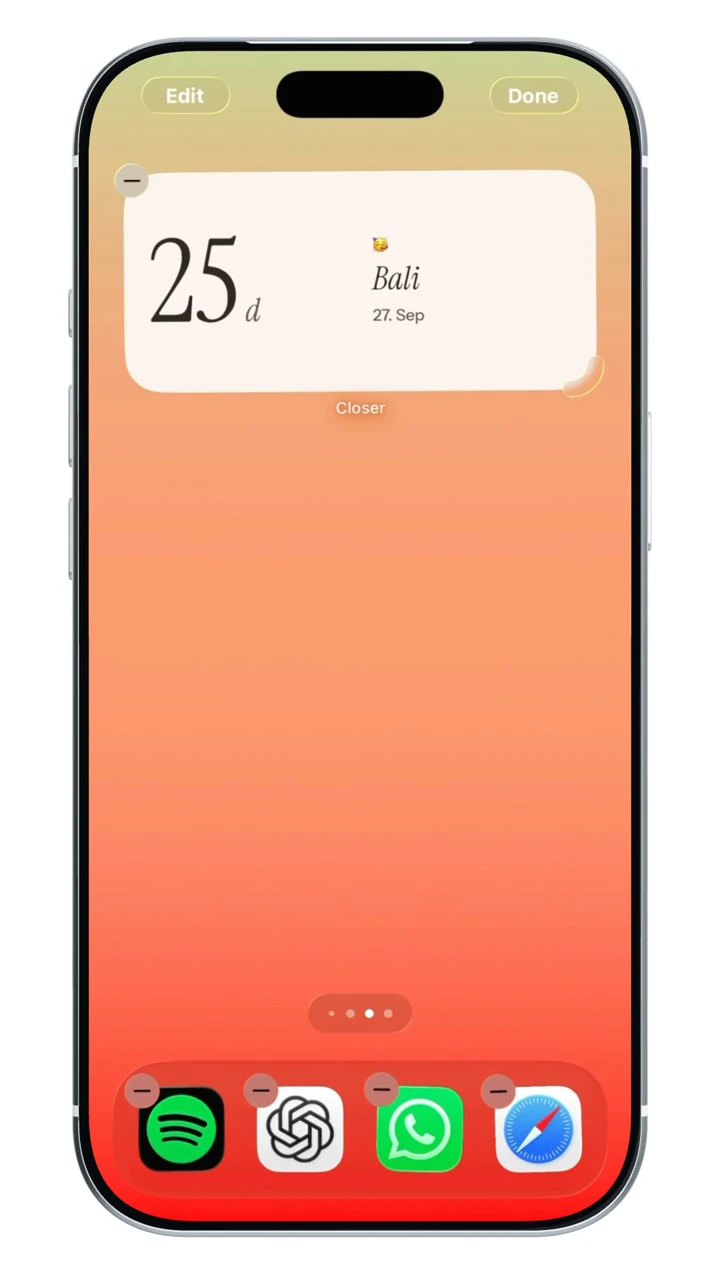
An anniversary and a next-visit countdownConsider Closer when the date is one part of a broader shared routine. You can keep your days together close alongside moods, photo Moments and the time until your next visit. The anniversary start date and visit target are separate features.
Before choosing: All Home Screen widget types are included in Free. Lock Screen widgets require Pro, and iOS controls refresh timing.
View Closer on the App StoreMy Love
A straightforward days-together displayMy Love is a candidate if your main question is simply how long you have been together. A focused counter may be easier to choose than a larger couple app when you do not need shared notes or a planning space.
Before choosing: The official listing puts the Home Screen widget in My Love Pro. A free app download is not enough to establish free widget access.
View My Love on the App StoreBeen Together
Milestones and meaningful datesLook at Been Together if reminders for relationship milestones and other important dates are your priority. Its listed Lounge also makes it relevant to someone who wants to associate memories with those dates.
Before choosing: Verify the widget format you want inside the current app. We have not treated every possible widget format as confirmed by the listing.
View Been Together on the App StoreCouple Widget
A date counter with a shared diaryCouple Widget: Love Countdown is worth comparing if you want a counter alongside a diary, couple calendar and recorded first experiences. That is a broader choice than a number on a Home Screen.
Before choosing: Confirm the current sharing setup and which widget customization options are included before paying.
View Couple Widget on the App StoreCounter or countdown: which do you need?
A relationship counter starts from a past date and grows. A visit countdown starts from a future date and gets smaller. You may want both, but entering your anniversary into a reunion field will not produce the same display.
Choose the date that you both recognize as the start of the relationship. If you celebrate more than one milestone, check whether the app supports the extra dates you need.
Check the widget before choosing the app
A store screenshot can show a widget that requires a purchase or only exists in one size. Verify the exact Home Screen or Lock Screen format on your own phone before building a layout around it.
- Does the widget count days, show years and months, or display a calendar date?
- Is the widget part of the free tier or a paid upgrade?
- Do both partners need to enter the date, or does the app share it?
- Can you change the photo, size and appearance in the way you want?
Keep the date meaningful
The best counter is the one that reminds you of your story, not the one with the longest feature list. Pair the number with a photo you like, a shared ritual or the next plan you are looking forward to.
If an app includes a diary or saved media, review how accounts and recovery work before making it the only copy of something important.
Why two counters can show different numbers
Before comparing two displays, check that you entered the same relationship start date. Also check what the number means: elapsed days and calling the first date “day one” are different counting conventions.
For a simple calendar-date example, five days have elapsed between June 1 and June 6. If June 1 is labeled day one, June 6 is labeled day six. This explains a possible difference in labels; it does not establish how any app in this list calculates its counter. If a display still seems wrong, use that app’s support guidance.
A few more questions.
Is a days-together widget the same as an anniversary countdown?
No. A days-together counter measures time since a past start date. A countdown measures time until a future anniversary or visit. Check which behavior the app and widget provide.
Does Closer have a free anniversary widget?
Closer includes its Anniversary Home Screen widget in the free tier. Lock Screen formats are part of Closer Pro. Its shared visit countdown is a separate date feature.
Can I keep my anniversary and my next visit in the same app?
Yes, if the app provides both features. Closer has a relationship-start-date counter and a separate shared visit countdown. That does not mean every anniversary-counter app in this guide has the same event-sharing or countdown behavior.
Sources & app credits.
Official resources checked for this guide. App names and icons belong to their respective owners; their inclusion does not imply endorsement of Closer.