Locket alternatives for couples: 4 apps to compare
Before switching from Locket, name what you want to change. Do you want more widget types, a drawing-focused exchange, a shared pet or a space centered on one partner? That question is more useful than looking for an app that copies the same screen.



In this guide
Compare Closer for a wider set of partner widgets, noteit for a focused note exchange, Loveit for expressive photos and drawings, and Widgetable for shared pets and social widgets. If photo sharing is already working for you, Locket may still be a good fit.
At a glance.
Choose an alternative for a specific reason.
Swipe to compare all columns
| App | Why consider switching | Check before choosing |
|---|---|---|
| Closer | You want moods, dates and partner time as well | Home Screen widgets are free with five partner-facing updates per person per UTC day. Pro adds unlimited updates, Lock Screen widgets and optional 30-day history. One active Pro purchase covers both linked partners. |
| noteit | You mainly want a visual note exchange | Check the current in-app offers and the pairing experience on both phones. |
| Loveit | You want drawing customization and virtual actions | The listing describes daily limits for free users and premium features; inspect the current purchase screen. |
| Widgetable | You want a shared pet routine | Check which widgets and pet features need a premium subscription. |
The shortlist.
Start with the routine you want to share.
Closer
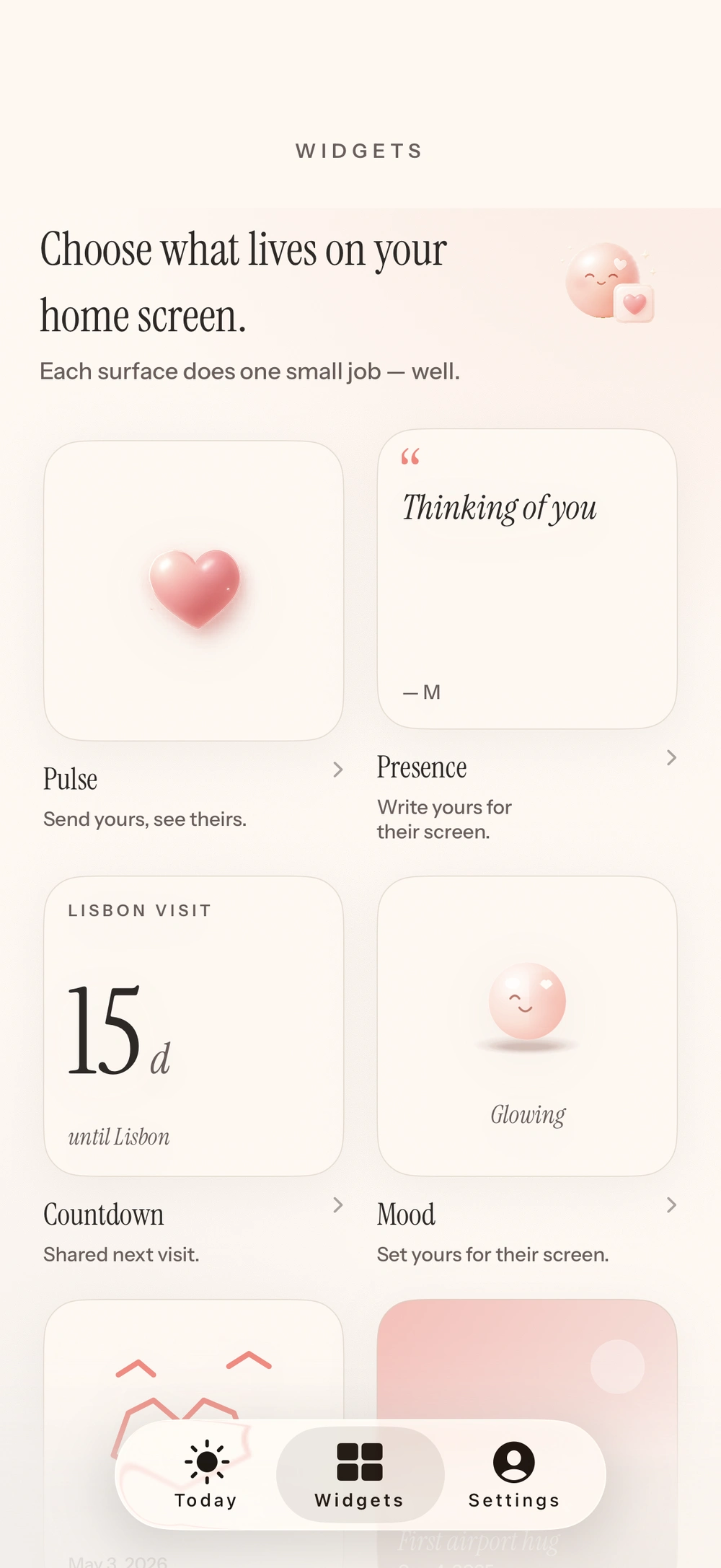
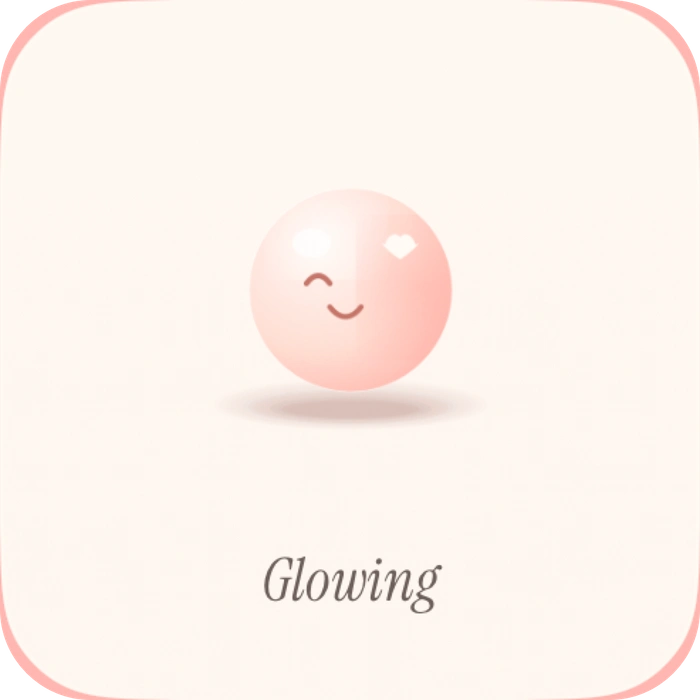
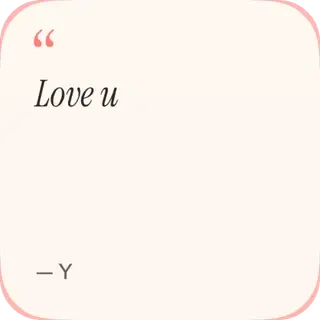
You want moods, dates and partner time as wellCloser is worth considering when you want the relationship context around a photo: how they feel, their local time, your next visit and your days together. Its two-partner setup is also a different model from maintaining a broader friend circle.
Before choosing: Closer’s free update allowance and optional Pro history differ from Locket’s photo-history model. Read those terms rather than assuming they are equivalent.
View Closer on the App Storenoteit
You mainly want a visual note exchangeCompare noteit if the little drawing matters more to you than a photo feed. A simple note can be a useful alternative ritual when taking a fresh photo is not the way either of you likes to share.
Before choosing: Try sending and receiving with your partner. Do not assume every photo-widget feature carries over to a note-first app.
View noteit on the App StoreLoveit
You want drawing customization and virtual actionsLoveit belongs on the shortlist if stickers, note customization and affectionate actions are part of what you want to explore. Compare that creation workflow with how you currently use Locket.
Before choosing: Check the listed daily free limits and the subscription screen. More tools only help if you will actually use them.
View Loveit on the App StoreWidgetable
You want a shared pet routineChoose to investigate Widgetable when an ongoing little activity together is the missing piece. Pet co-parenting changes the interaction from exchanging a picture to caring for something over time.
Before choosing: Review the pet routine and premium options together so neither person feels signed up for a chore.
View Widgetable on the App StoreWhen staying with Locket makes sense
Locket’s current listing includes photo history, reactions and widgets dedicated to a specific person. You do not have to change apps merely because you are using it with a partner.
If your concern is an update delay, first use Locket’s own troubleshooting guidance. Switching services will not remove the fact that iOS manages widget refreshes.
Compare the sharing model before switching
Check who can see each update, how you connect the two accounts and what remains in history. A friends-based app, a linked couple app and a daily activity app can all be enjoyable, but they ask different things of you.
Keep any memories you want according to the original app’s available export or save options before changing your routine. We have not verified an automatic history migration between these services.
Try a small ritual before a subscription
Pick one thing to test together: one note, one photo or one countdown widget. Add it to both phones, use it in both directions and see whether it makes sense without a long explanation.
If the new app solves the problem you named at the start, then compare the paid tier. If it does not, there is no benefit in adding another notification stream.
Compare photo history separately from the widget
Locket’s listing describes photo history, so someone moving from Locket may expect more than a new image on the Home Screen. Ask how an alternative stores earlier photos, who can revisit them and what happens when you change accounts.
Closer separates the current Moment and a selected Memory from optional saved history. Pro history covers future Moments and love-note drawings for 30 days after each sender opts in. It does not backfill an old Locket history or create a permanent archive. That difference can matter more than a similar-looking widget.
A few more questions.
Is Closer a replacement for every Locket feature?
No. Closer focuses on two linked partners and several types of widgets. Compare audience, photo history, free limits and device support instead of treating the apps as identical.
Are noteit and Locket the same kind of app?
They overlap in showing personal updates on a widget, but their emphasis differs. noteit’s listing centers on pictures and drawings sent as notes; Locket centers on a photo-sharing circle and its photo history.
Will switching apps automatically move my Locket photos to Closer?
No supported automatic migration is identified in this guide. Treat the two services as separate. Keep copies using the source app’s available save options before changing your routine, and review what the new app retains.
Should I switch apps just because a photo widget is delayed?
First check the original developer’s support guidance. Locket documents that new photos can take up to five minutes to appear. That is a Locket-specific statement, not a refresh guarantee for Closer or another widget app.
Sources & app credits.
Official resources checked for this guide. App names and icons belong to their respective owners; their inclusion does not imply endorsement of Closer.